
For the one who studies · 1/6
Your first session with Alaric
How Home suggests a single next step, what a session with the tutor is like, and what the hint, drawing and “I got distracted” buttons do.
4 min read

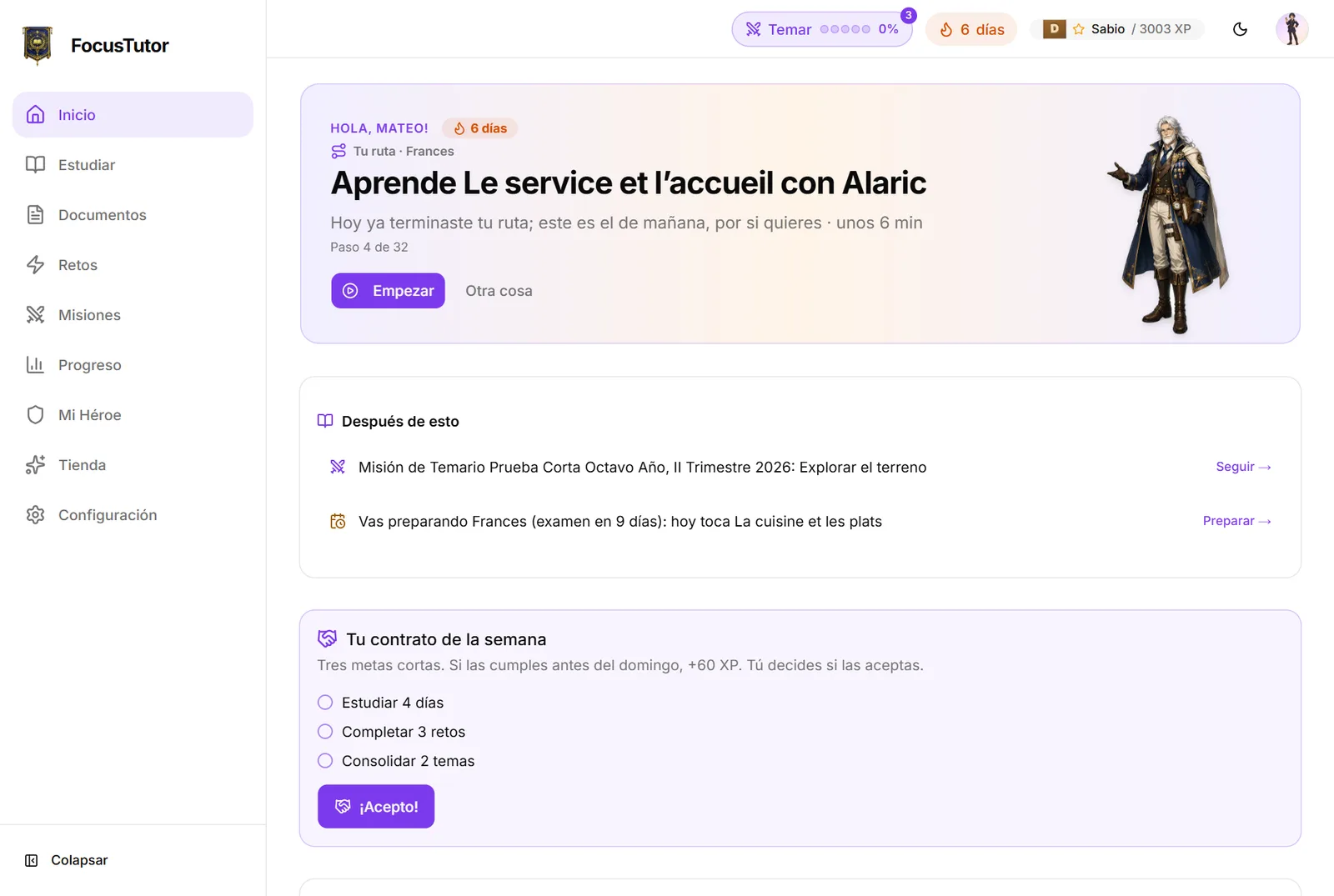
When you come in, your Home suggests one thing, with the time it takes: finish the round you left, today's step on your route to the exam, nail a topic you almost master, or take the next step of your mission. One button, “Start”, and off you go. If that's not what you feel like today, “Something else” takes you down to your topics so you choose. And when nothing is pending, Alaric offers to start with just two minutes: almost always, after two minutes, you feel like continuing.
What a session is like
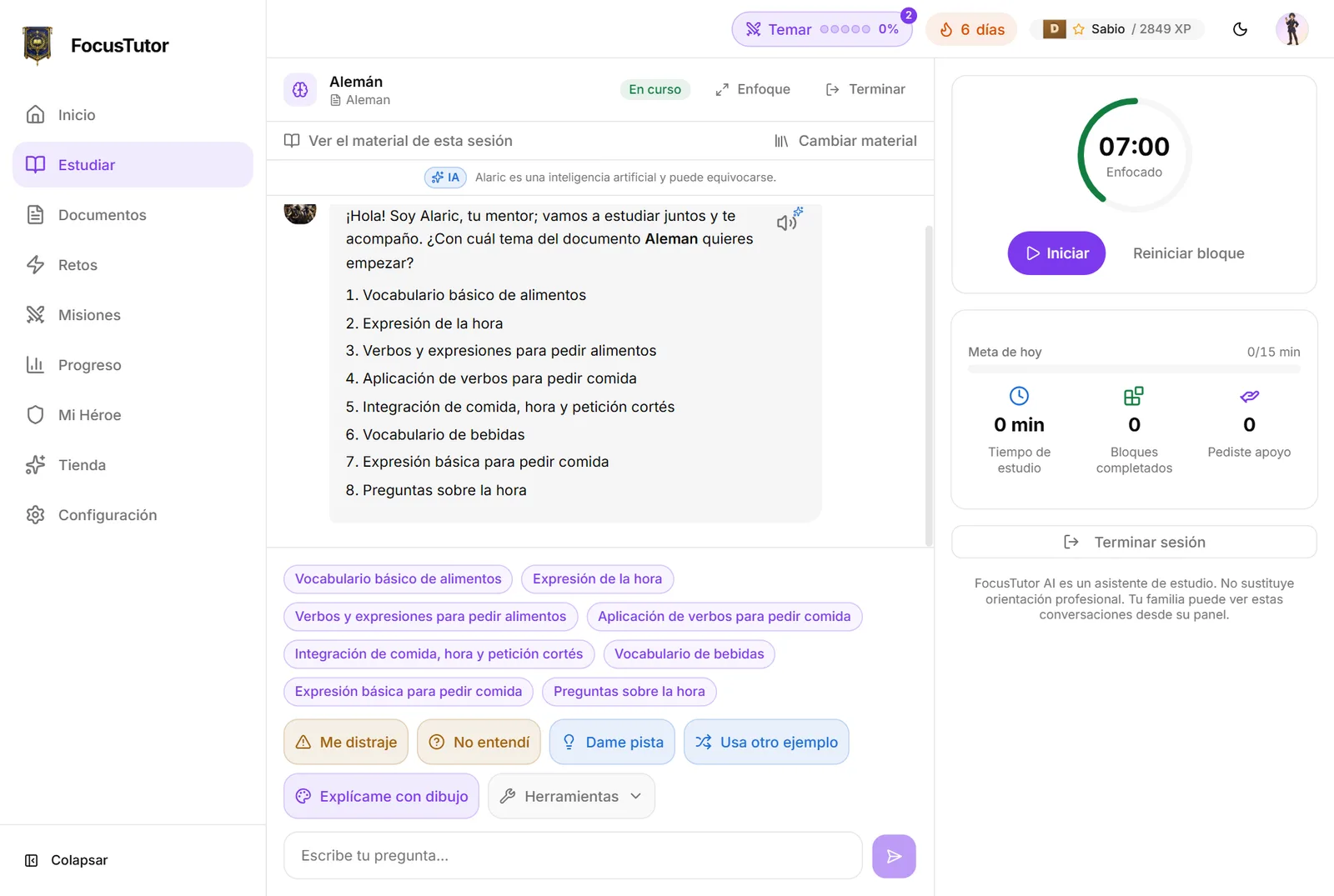
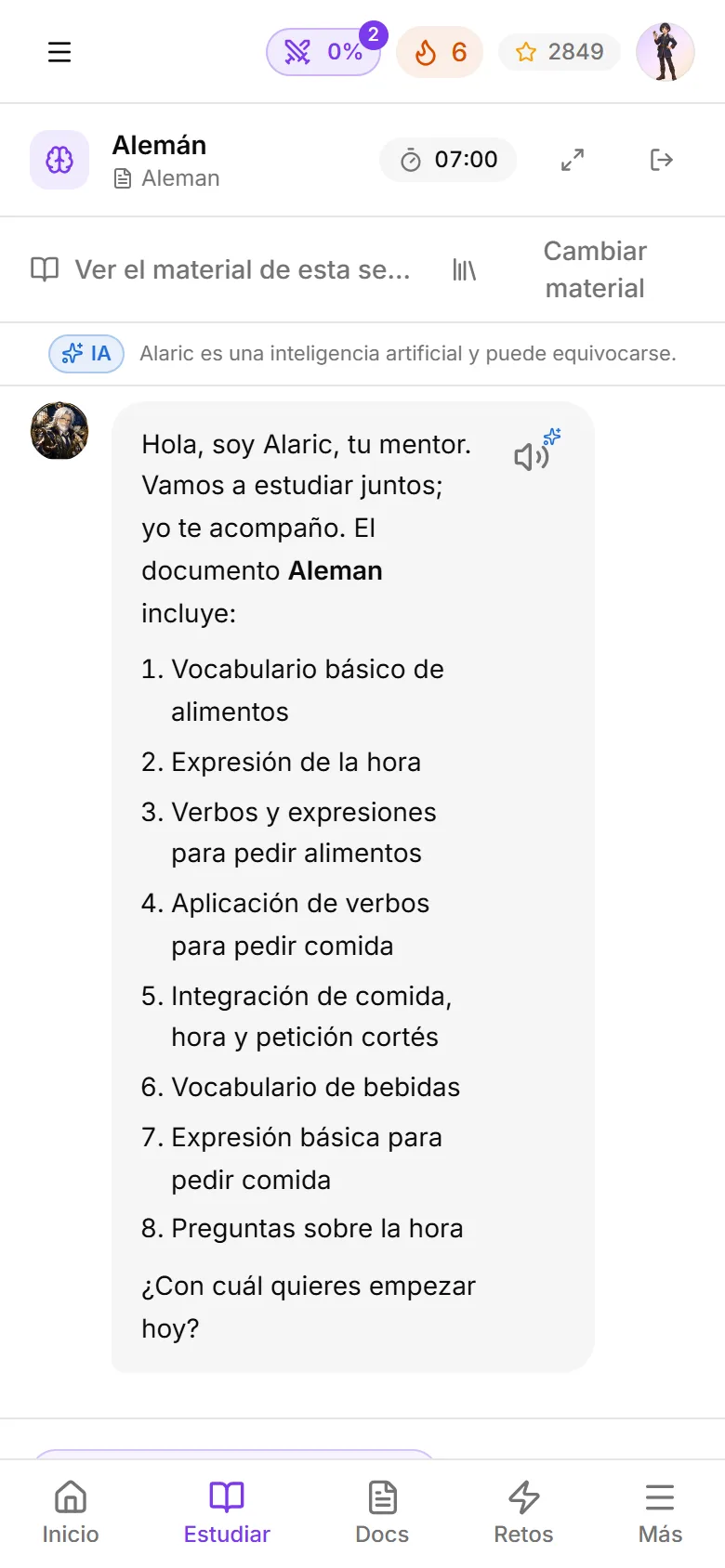
Alaric greets you, tells you which material you'll work on and lists its topics so you pick where to start. He explains in short chunks, with examples, and asks you often. There is no dumb answer: if something isn't clear, it gets explained another way.
On the right is the timer: 7-minute blocks with breaks. When the break rings, you take it. It's part of the method.
The buttons that save you
Below the chat there are shortcuts for the hard moments.
- 1“I got distracted”: Alaric summarizes where you were and continues from there, without asking what happened.
- 2“I didn't get it”: explains it another, simpler way.
- 3“Give me a hint”: a hint, not the answer.
- 4“Explain with a drawing”: an image or diagram of the topic (only the study topic).
- 5The speaker: Alaric reads the message aloud.
- 6The microphone (if your caregiver turned it on): tap, speak, tap again. What you said lands in the box so you can review and fix it before sending.
- 7“Read it out loud” (only in languages, if your caregiver turned it on): in a challenge, after a written answer is checked, and in the chat, when Alaric proposes a phrase. You hear the sentence, read it out loud and see which words were understood. Up to three tries, no grade.
Finishing
“End session” saves everything. You earn XP for the session if there was real conversation, and your streak counts the day. If you close the tab without ending, nothing happens: the session closes itself and what you studied counts.
Ready to try it?
The free plan includes sessions with Alaric, challenges and the family panel. No card needed.