Features

Everything FocusTutor AI includes

Grouped by the problem it solves, not by the technology. Every feature exists because one of three kids with ADHD or autism needed it.

So they stay with it

What the student sees: a tutor that never does the homework for them, their own material, and a way of studying built for fragile attention.

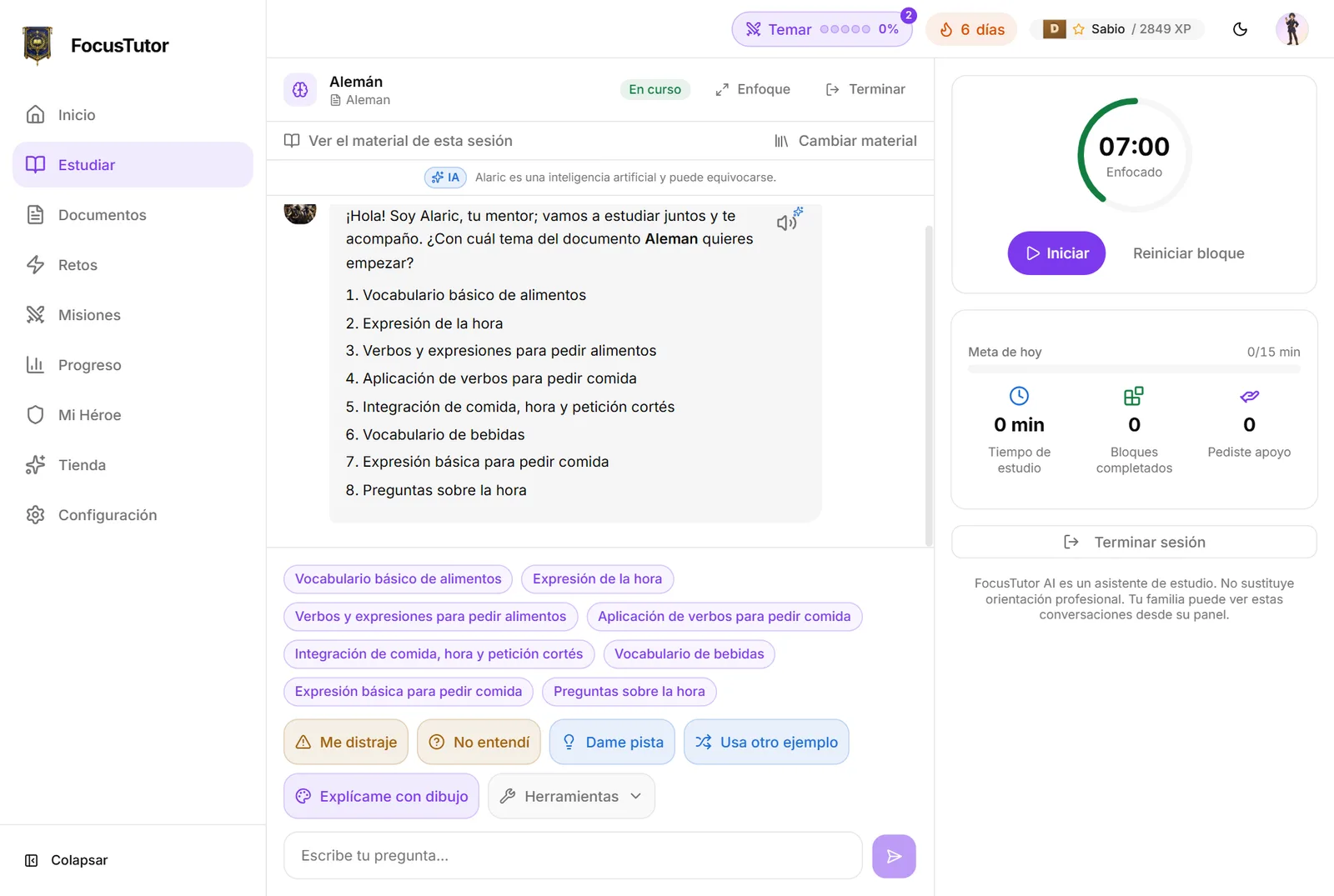
A tutor that guides, not answers

Asking a chatbot for the answer teaches nothing.

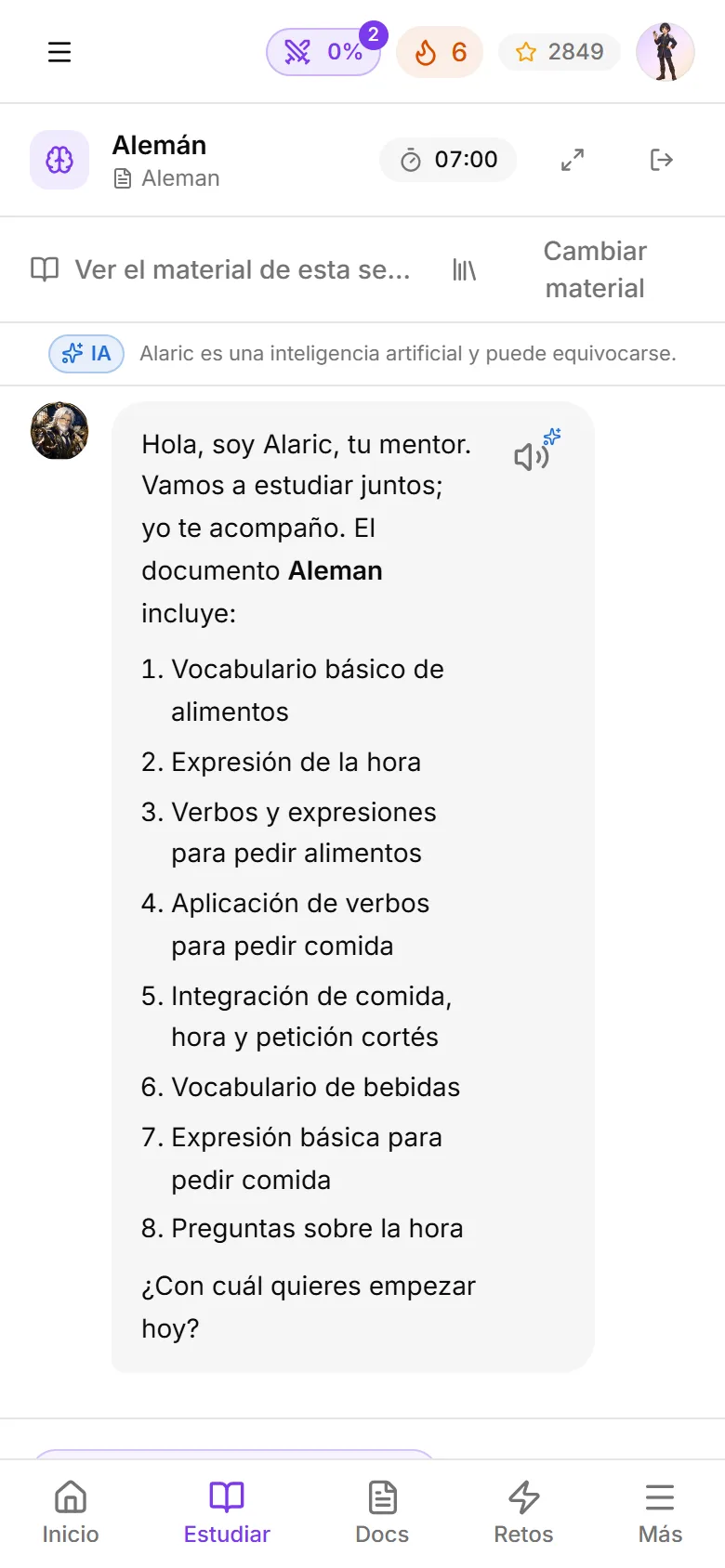
Alaric explains one concept per message, asks and gives hints. When the student asks for the direct answer, it guides instead of handing it over, and marks it with a badge the family also sees.

See how it works
Ask with a photo

Copying an exercise from the notebook to the keyboard is already a barrier.

The student attaches or pastes a photo of the notebook, the book or the board, and Alaric reads it to guide them from there without solving the homework. If they ask “and number 2?” afterwards, Alaric is still looking at the same photo.

Parent control

On when the account is created, and turned off with a switch per child in Settings. Every photo goes through the safety review before it reaches the tutor, stripped of location data, and you see it in the transcript.

See how it works

Their own material, not the internet

What they study in class is not what a web search returns.

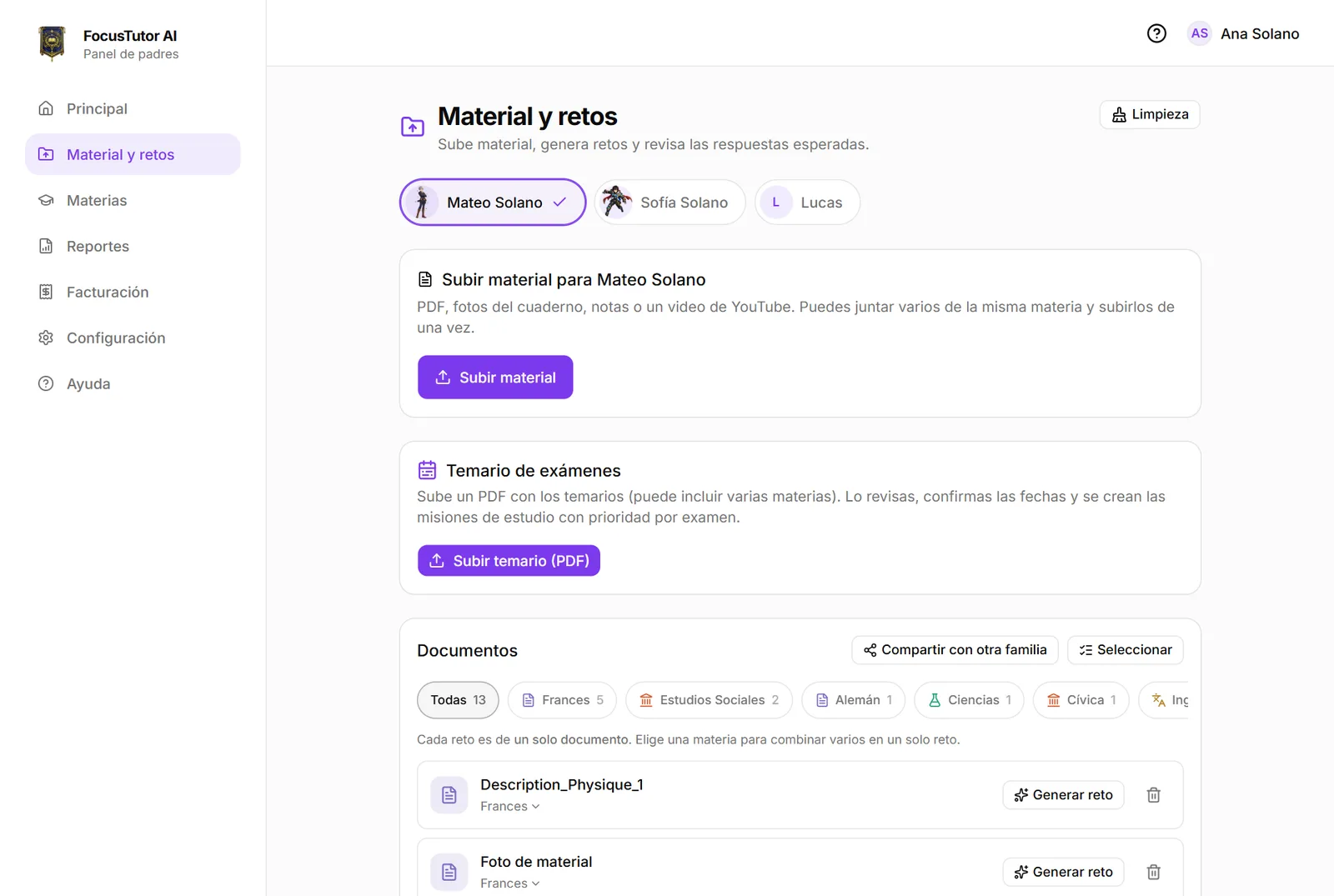
School PDFs, photos, notes and YouTube videos are the base of every session and challenge. Up to three materials at once, and by units or weeks of a long document.

See how it works

Add material without leaving

Realizing mid-session that the study guide is missing should not mean starting over.

From the session's “Materials” button, the student sees what is already in use and adds another document from the same subject. It joins what was there, never replaces it, and Alaric uses it from the next message on.

See how it works

Finds the exact page

“It's somewhere in the PDF” helps no one.

Before answering, Alaric searches the student's material for the passages that matter, page included. Ask for exercise 7.2.1 and it looks up that number as written. Challenges are built with the same search, so they ask about what is really in the document.

See how it works

Short sessions with breaks

An hour at the desk does not work; getting started is the fight.

A 15-minute goal, Pomodoro or natural pace, breaks that never punish, and points for coming back after drifting. The streak pauses, it is never wiped.

See how it works

At least 50 messages per session

A session that stops mid-explanation breaks the thread.

Every session guarantees at least 50 messages with Alaric. When it runs out, a button opens a new session with the same material and a summary of where they left off, and the previous one closes as completed, XP included.

See how it works

Challenges that are battles

One more quiz is one more thing to avoid.

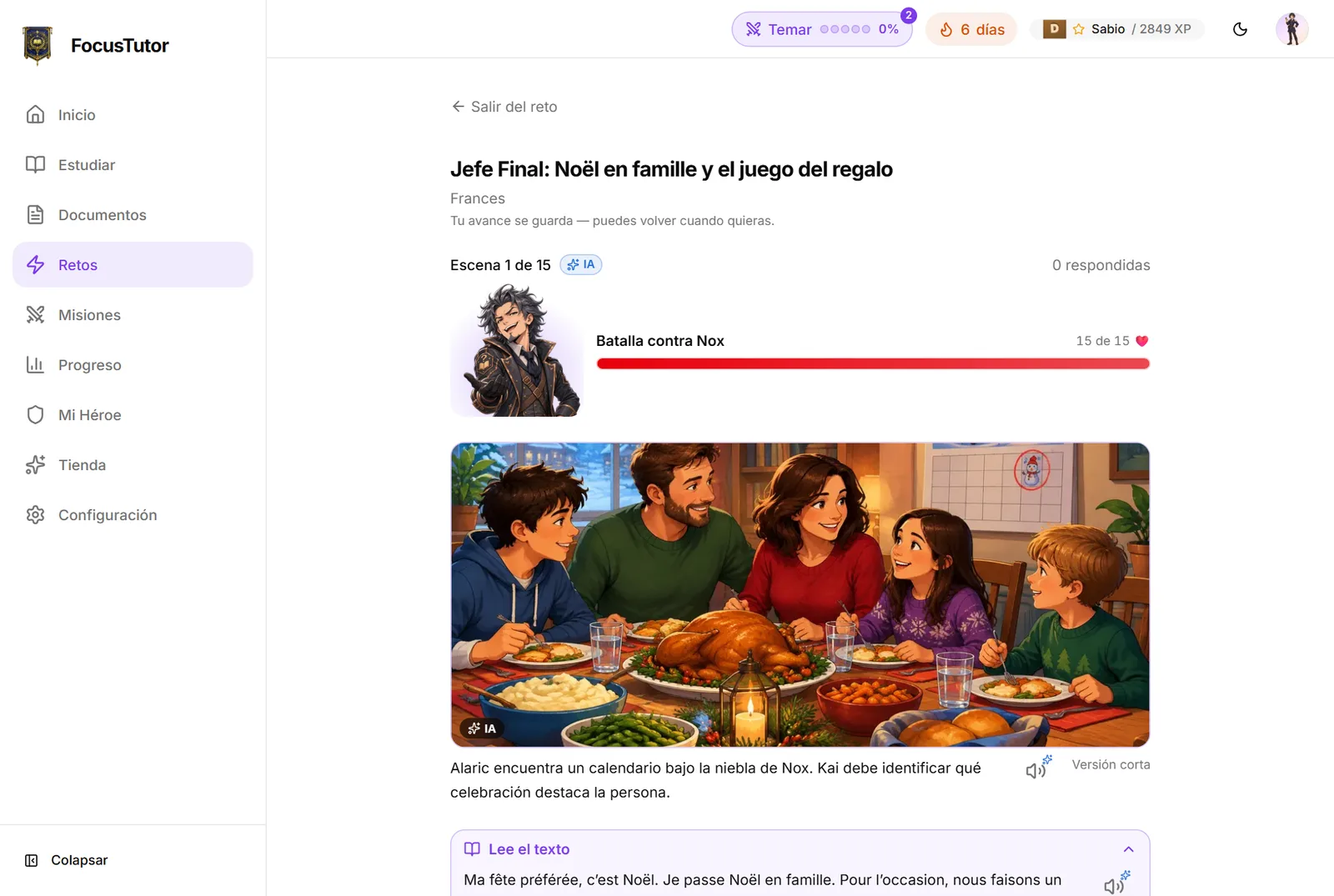
Every challenge is a battle against Nox with a short story, and the «Clear the Fog» rounds turn review into territory to conquer on a map.

See how it works

Your route to the exam

“What do I study today?” drains them before they start.

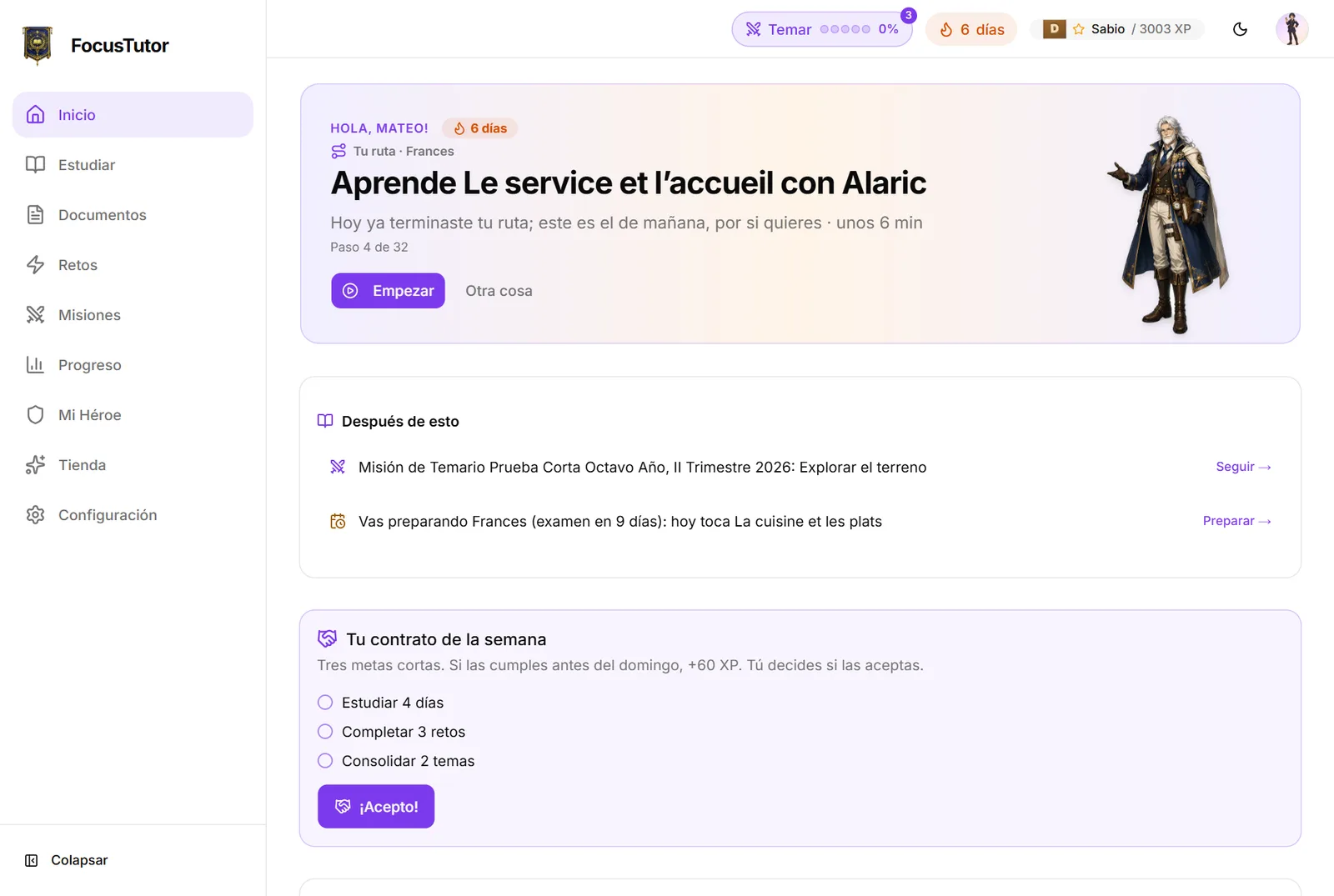
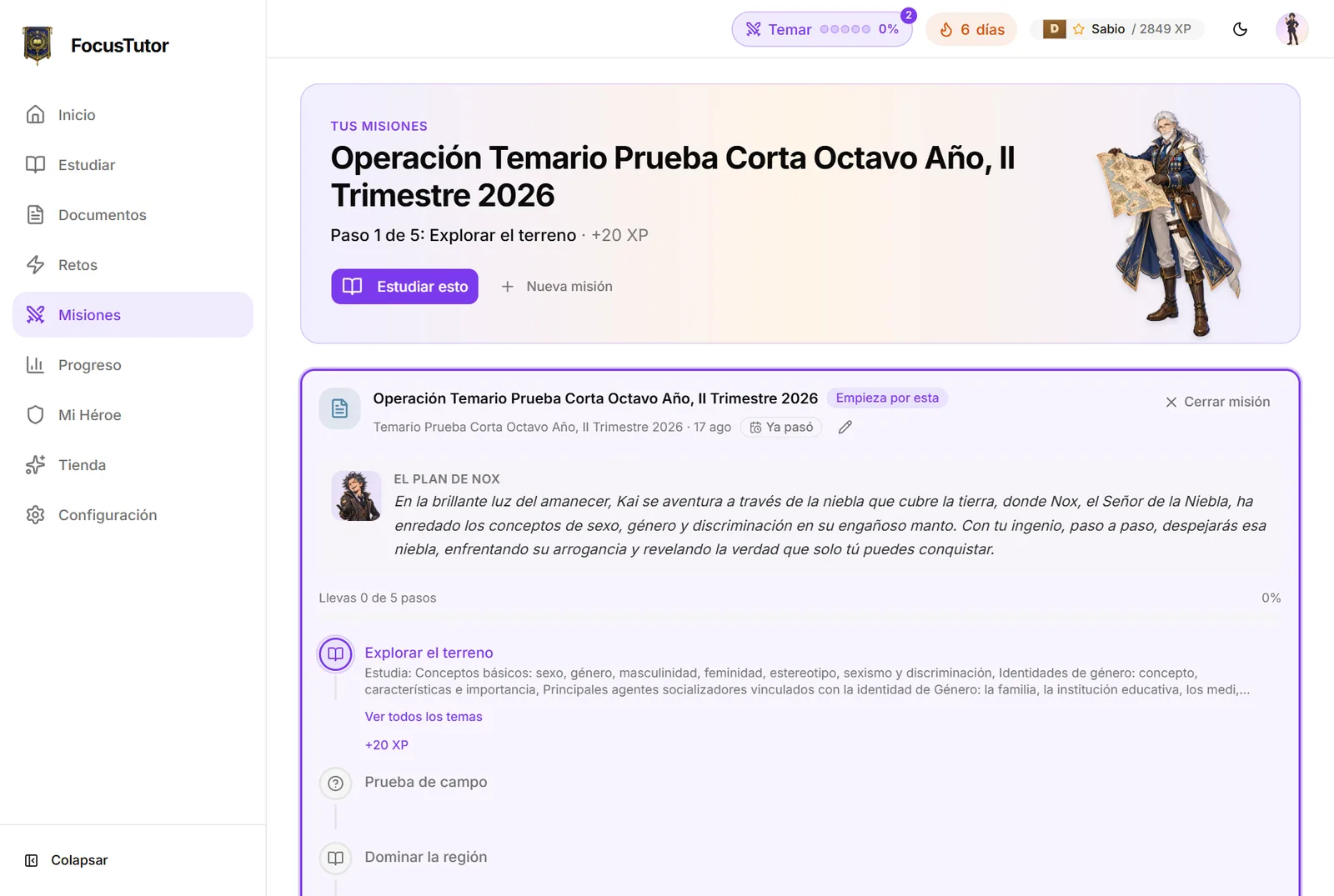
From the exam date and the syllabus, an adaptive map picks each day's next step and readjusts as they go. It continues on another device right where they left off.

See how it works

Mastery by topic

Getting it right once is not knowing it.

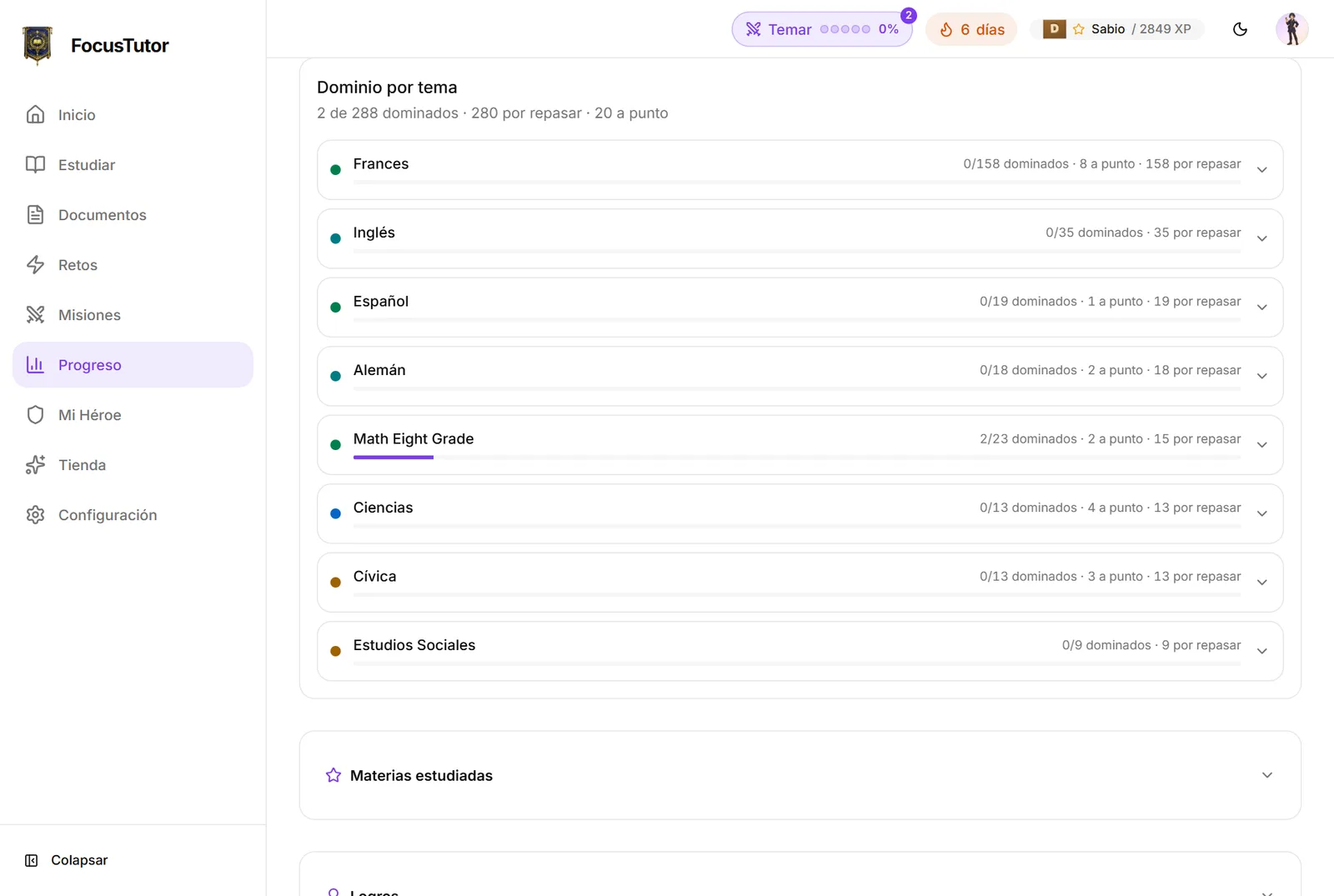
Each topic moves from “seen” to “mastered” with clean, repeated right answers. What gets forgotten comes back in review challenges, no drama.

See how it works

Explanations you can see

Many kids learn through images and analogies, not reading.

One tap away: diagrams, concept maps, real educational photos, 3D molecules and scenes, relation grids and exercises on the coordinate plane. Generated illustrations carry the “AI” label.

See how it works

Examples from what they love

A generic example is forgotten; one from their world sticks.

Parent and student note their interests and Alaric sets examples in them. “Use another example” asks for a different one without changing the concept.

Studying in another language

French is studied in French, not in translation.

English, French or German as the study language per subject: Alaric explains and asks in that language, and challenges can use the material's own questions as written.

See how it works

Voice dictation

Typing eats the attention that should go to thinking.

In content subjects the student dictates and the text lands in the box to review before sending. In Spanish, English, French and German they always type, because there writing is the skill.

Parent control

Off until you turn it on and confirm, per child. The audio is recognized by the browser on their device and never reaches FocusTutor AI.

See how it works

“Read it out loud”

In languages, writing it right is not saying it right.

After a written answer is checked, or when Alaric proposes a phrase, the student hears it, reads it out loud and sees which words were understood. No grade, up to three tries.

Parent control

Off until you turn it on and confirm. We only keep how many words were understood, never the voice.

See how it works

Alaric reads out loud

Reading a full screen tires; listening rests.

Every message, question and result has a speaker using the browser's voice. On paid plans, a natural AI-generated voice reads in the subject's language, with minutes included each month.

Paid plans

Hero, XP and shop

Studying needs a visible reason for today.

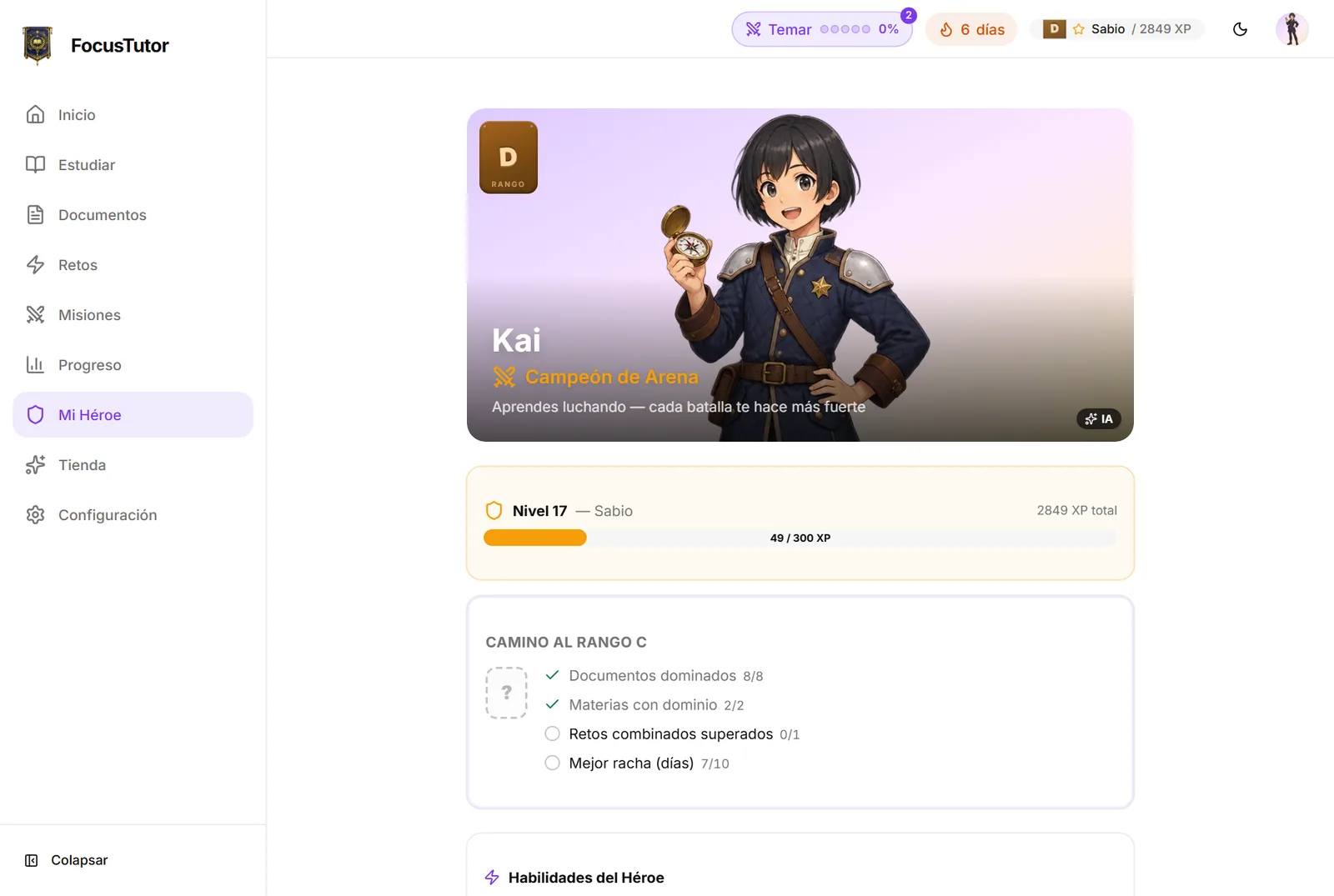
A character of their own with avatar, ranks and achievements. XP is earned by studying and spent on cosmetics, and the parent can add real rewards from home.

See how it works

So you know, and know how to help

What the family sees: what happened, where to support this week and what to say, without watching every move.

The panel: what is happening and where to help

“Did you study?” is not a question with a good answer.

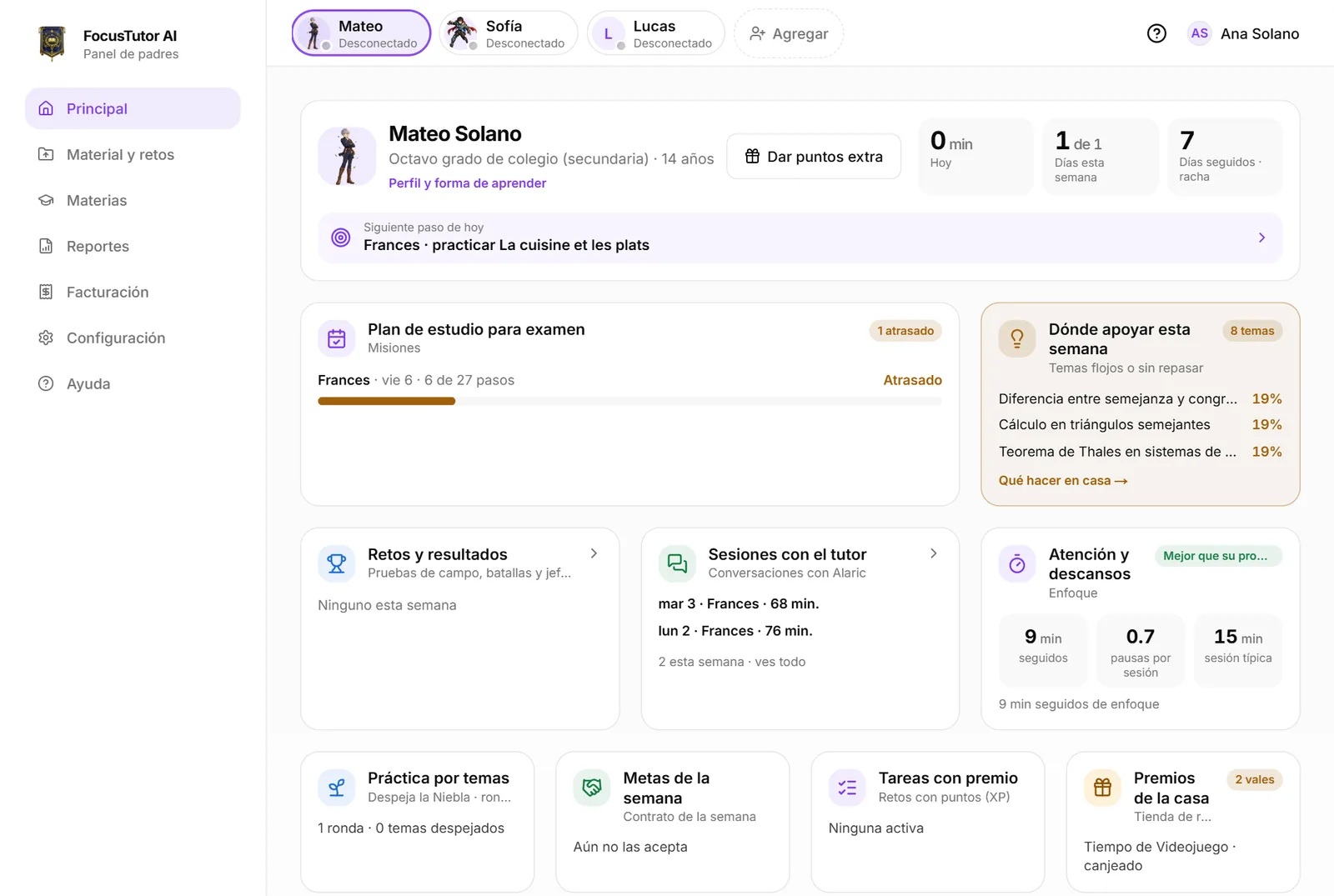
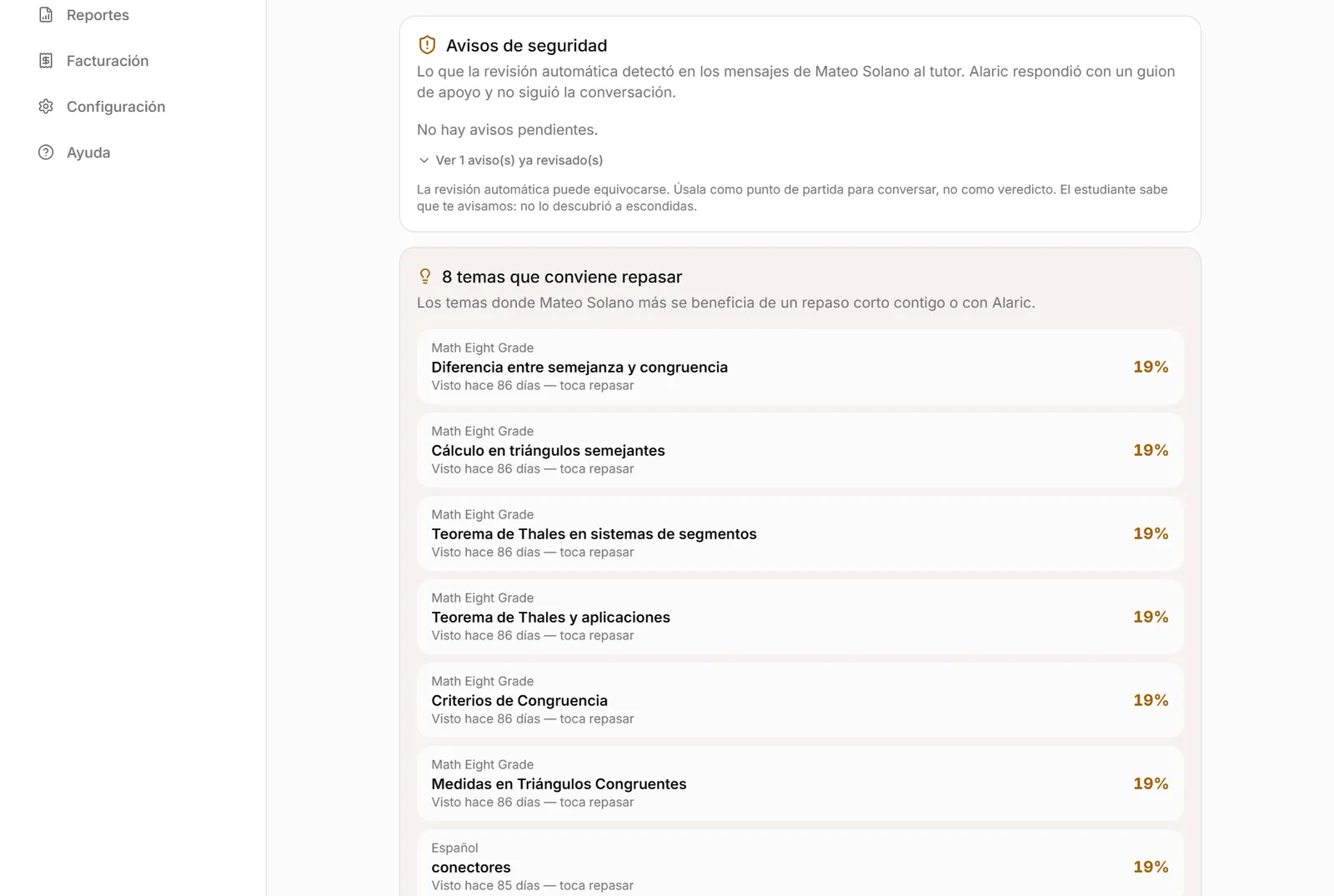
One screen: minutes today, days this week, days in a row and the next step, with ten sections in adult words (and the game name in grey), built for your phone.

See how it works

You see every conversation, and your child knows

Trusting an AI with your child requires being able to read it.

The full transcript of every session as they saw it, plus a two- or three-line summary that never quotes them. What they dictated is marked.

See how it works

Weekly summary by email

A panel you have to open stops being opened.

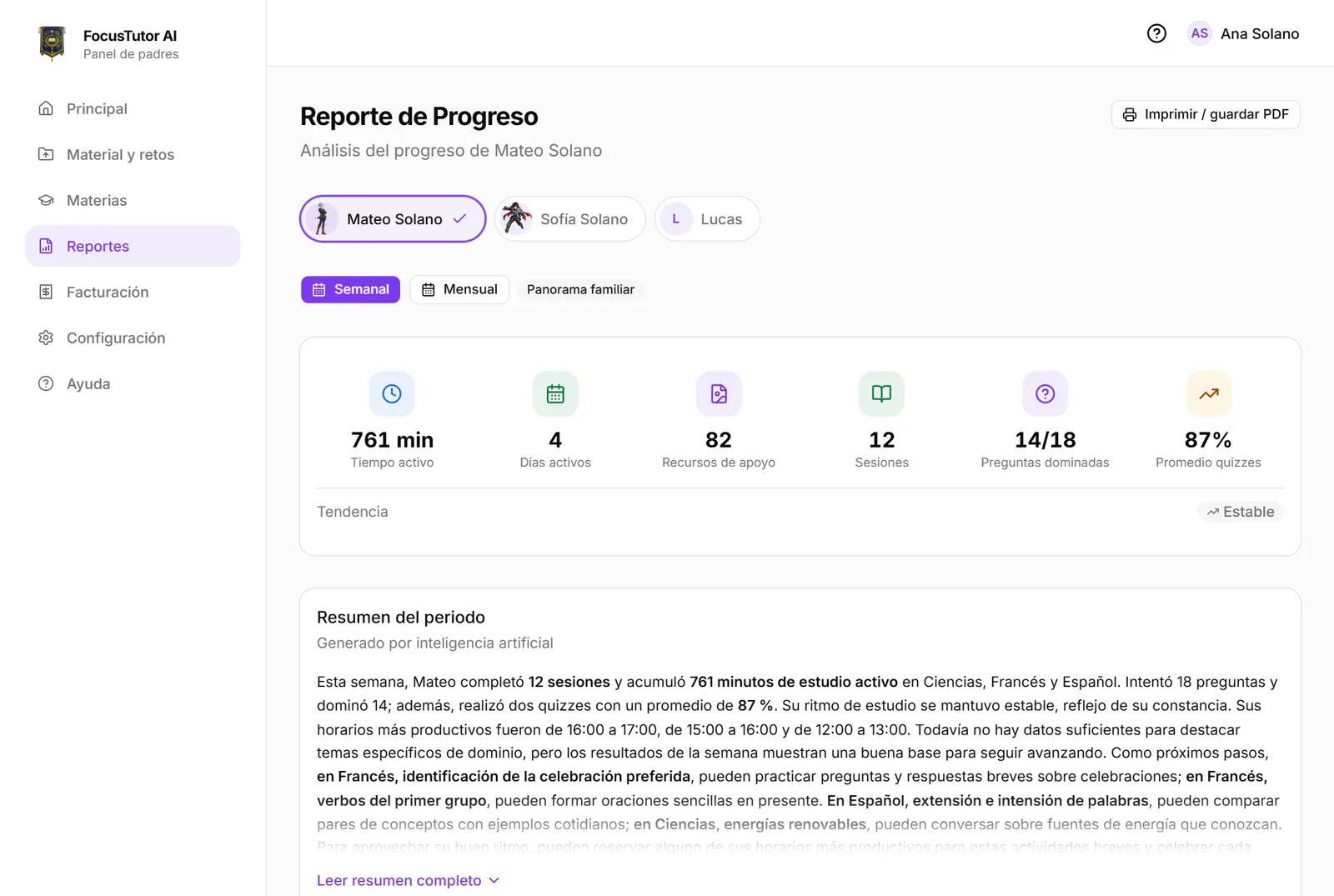
The period's figures, focus against their own starting point and “How to help this week” with concrete actions and phrases to say. Saves to PDF.

See how it works

How their attention is going

Comparing with other kids is useless; comparing with themselves works.

Minutes of focus in a row, times they came back alone, rushed answers and study days, against their own first two weeks. One home experiment at a time, with follow-up on whether it worked.

See how it works

Week plan vs done

What was promised and what was done are rarely in one place.

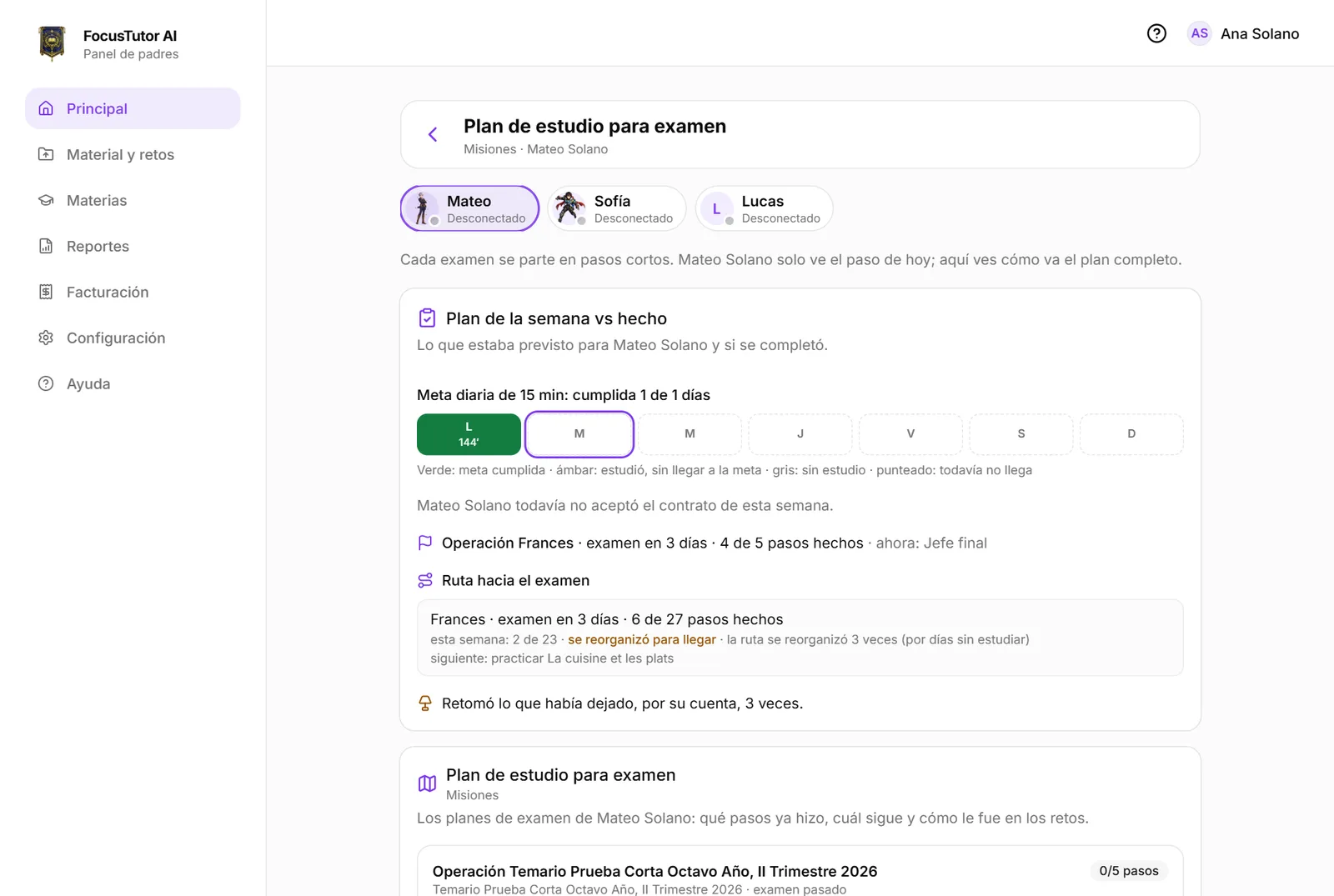
The daily goal, the days met and the weekly contract the student accepts, side by side. You see when they picked it back up after leaving it.

See how it works

Preparing an exam from the syllabus

The syllabus arrives as a photo of a notebook.

Paste the syllabus or upload the photo: the assistant builds the exam mission with its steps and topics, and the daily route comes from there.

See how it works

Limits and permissions

Every family needs different rules.

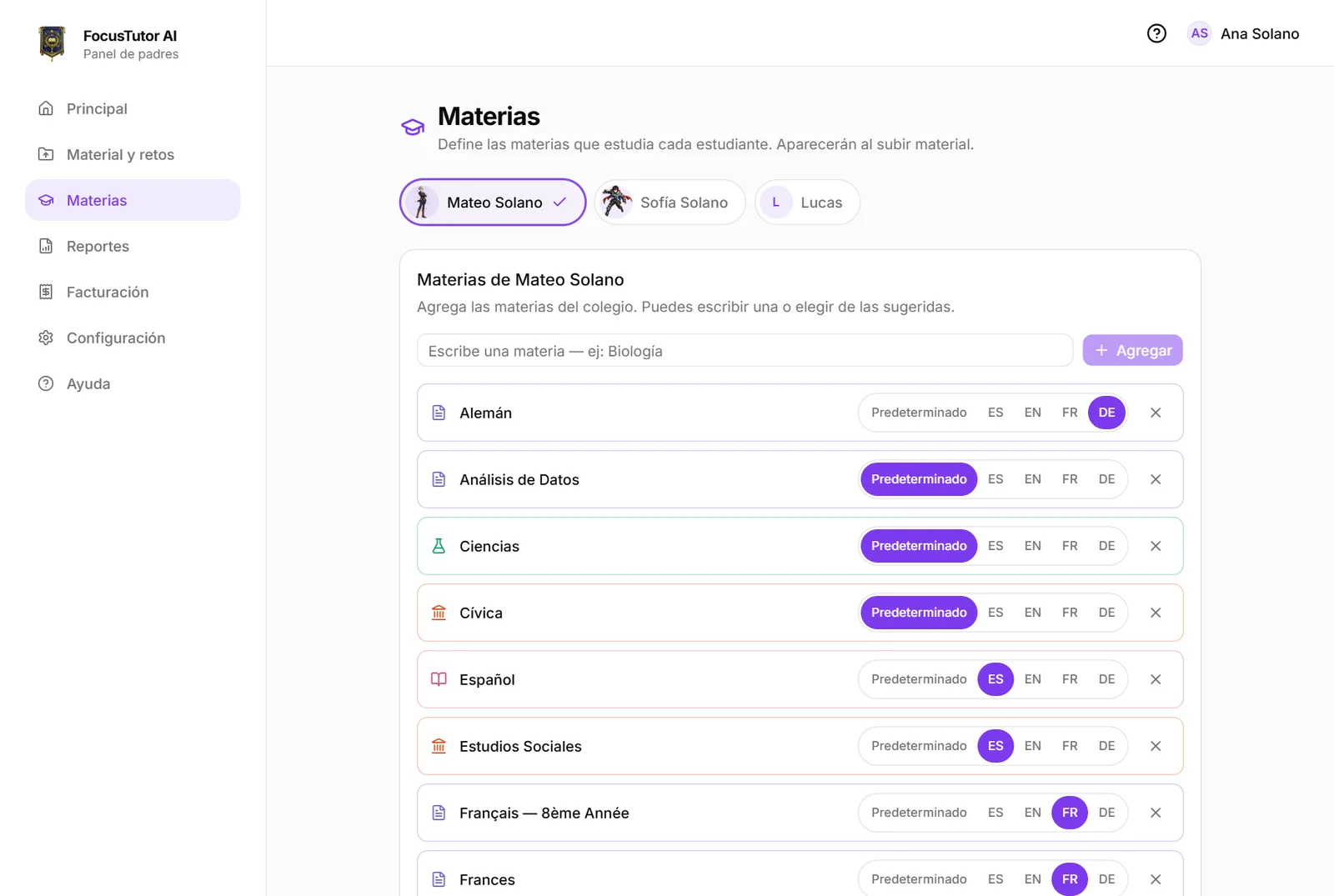
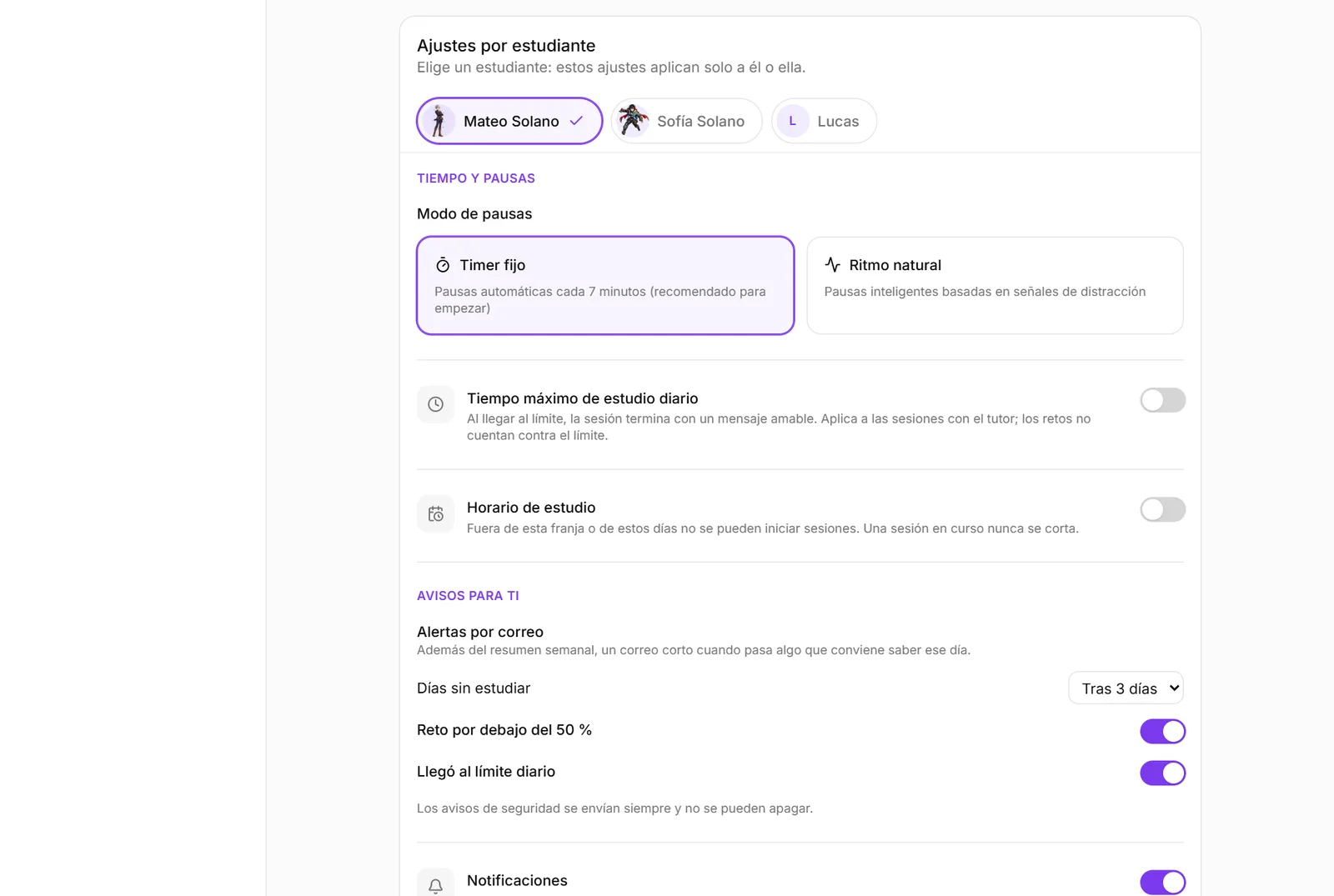
Daily time cap, schedule, break mode, uploading material, free sessions, AI images, dictation and pronunciation. Every setting is yours, and who changed it is recorded.

See how it works

Other caregivers

Raising kids takes two, or three.

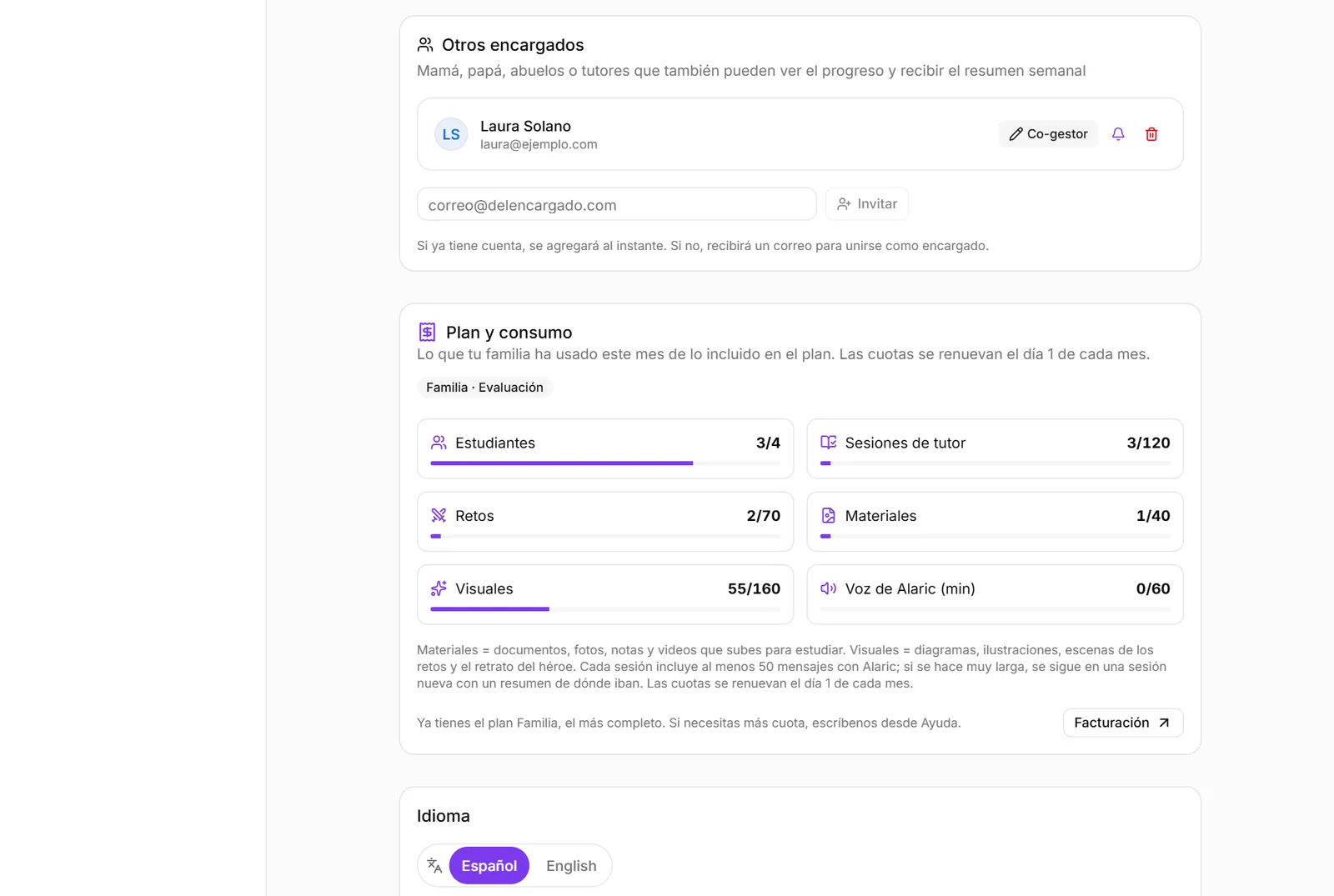
Invite the other parent or a grandparent: as a co-manager with the same capabilities as you, or view-only.

See how it works

Sharing material with another family

Classmates study the same thing.

A seven-day link for another family to receive a copy of your materials and challenges. They never see anything of your child, nor you of theirs.

See how it works

Protection

What is not up for debate: an adult in the loop, private data and controls that are yours.

Automatic review and alerts

A child may tell an AI what they tell no one.

Every student message goes through a filter. On self-harm, sexual content or threats, Alaric answers with support, tells them it will inform their family, and alerts you immediately.

See how it works

AI images, with your permission

A generated image should not appear without your knowing.

Illustrations, scenes and the hero portrait are generated only if you allow it, with three-layer review and a visible “AI” label. Turn it off and real educational photos and diagrams remain.

Parent control

One switch per child in Settings.

See how it works

Their data, under your control

A minor's data is not a business model.

Material and conversations in private storage; nothing is sold or used to train our own models. Their real name never travels to the AI service: Alaric knows them by their hero. You delete the history from Settings.

See how it works

Free for any family. A private pilot for a few.